![[{[item.product.name]}]]([{[item.product.photo.url]}] 75w)
Do bezpłatnej dostawy brakuje -,--
Podsumowanie zamówienia
Suma 0,00 zł
Cena uwzględnia rabaty

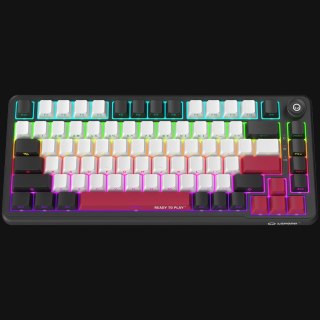
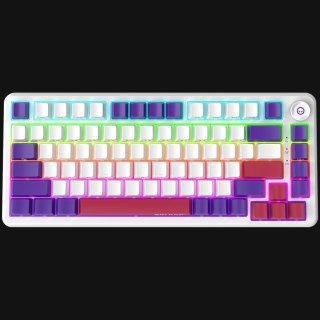
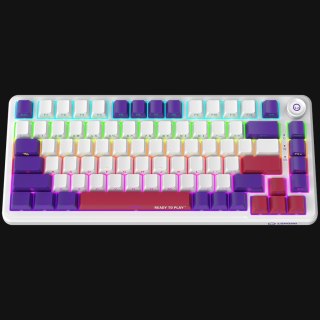
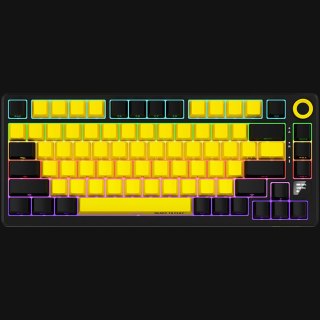
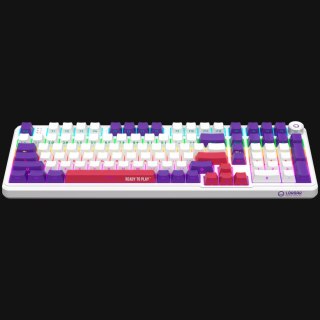
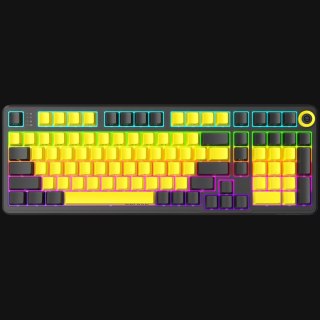
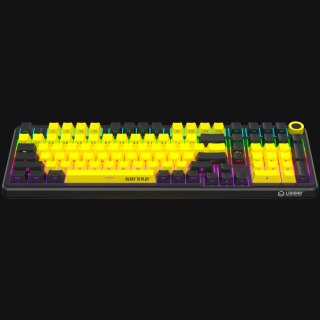
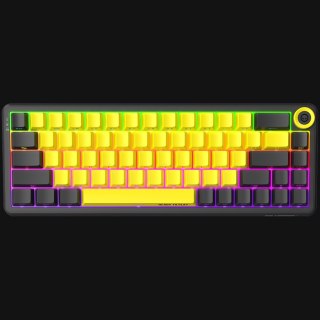
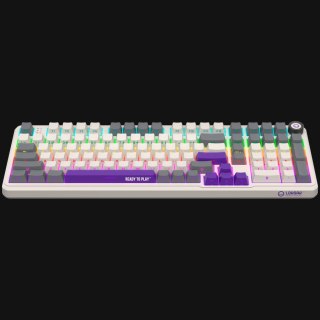
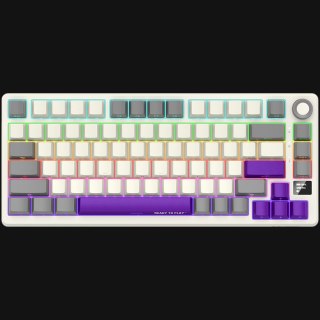
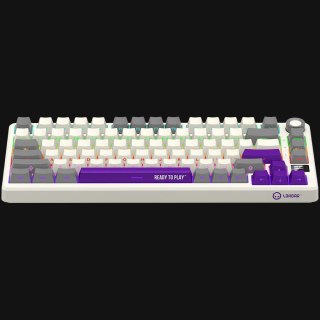
Klawiatury gamingowe mechaniczne LORGAR
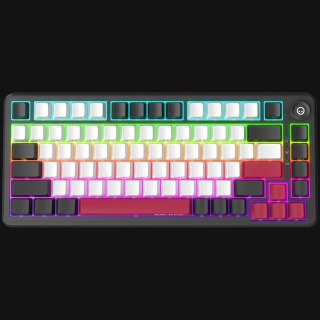
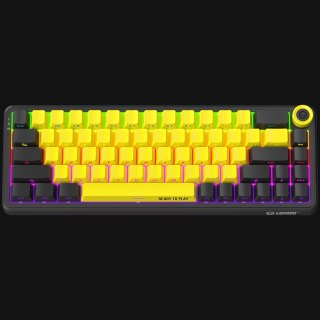
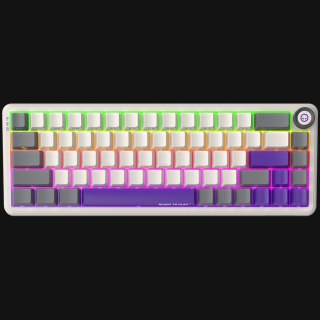
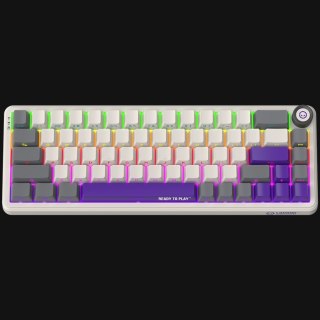
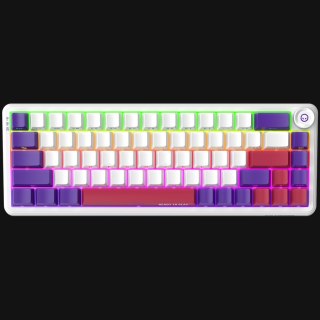
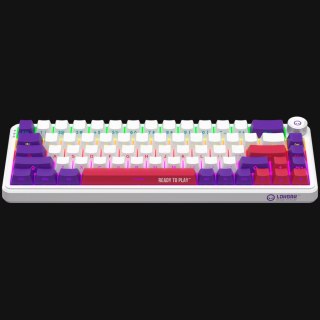
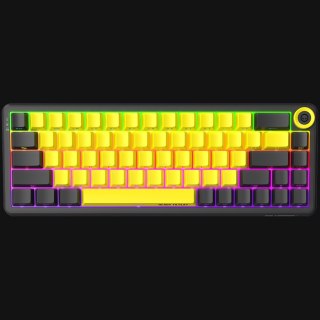
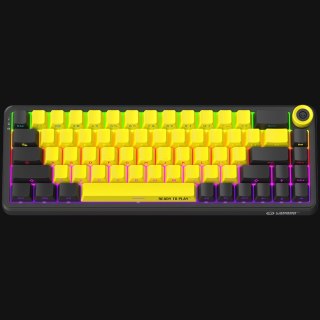
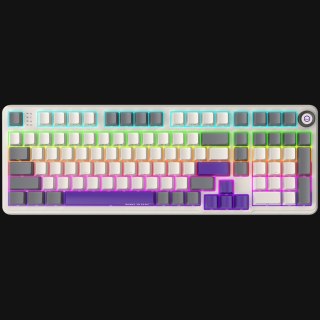
Liczba produktów: 28Klawiatura to jedyny element stanowiska, którego dotykasz przez całą sesję — i jedyny, który zajmuje miejsce potrzebne myszce. Wybór zaczyna się więc od formatu: pełny układ z blokiem numerycznym, TKL bez niego, albo kompaktowe 75% i 65%, które zwalniają kilkanaście centymetrów biurka. Potem decydujesz o przełącznikach i o tym, czy klawiatura ma być przewodowa, czy pracować bezprzewodowo. Wszystkie modele LORGAR są mechaniczne, mają podświetlenie RGB i obsługę LORGAR PLATFORM. Skorzystaj z filtrów po lewej, a poniżej listy produktów znajdziesz pełny poradnik wyboru i odpowiedzi na najczęstsze pytania.

| Wysyłka w ciągu: | 24 godziny |
| Wysyłka w ciągu: | 24 godziny |
| Wysyłka w ciągu: | 24 godziny |
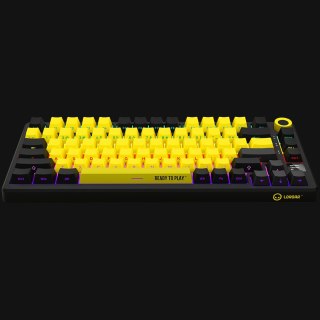
| Wysyłka w ciągu: | 24 godziny |
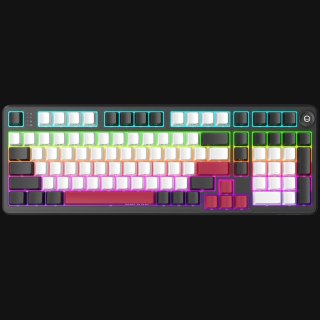
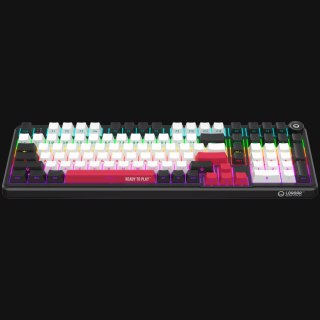
| Wysyłka w ciągu: | 24 godziny |
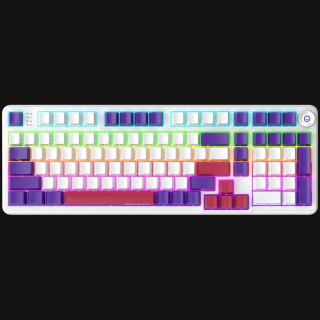
| Wysyłka w ciągu: | 24 godziny |
| Wysyłka w ciągu: | 24 godziny |
| Wysyłka w ciągu: | 24 godziny |
| Wysyłka w ciągu: | 24 godziny |
| Wysyłka w ciągu: | 24 godziny |
| Wysyłka w ciągu: | 24 godziny |
| Wysyłka w ciągu: | 24 godziny |
| Wysyłka w ciągu: | 24 godziny |


| Wysyłka w ciągu: | 24 godziny |


| Wysyłka w ciągu: | 24 godziny |


| Wysyłka w ciągu: | 24 godziny |


| Wysyłka w ciągu: | 24 godziny |


| Wysyłka w ciągu: | 24 godziny |


Jak wybrać klawiaturę gamingową
Przy klawiaturze dla gracza rozstrzygają cztery rzeczy: format, przełączniki, sposób łączności i nakładki. Podświetlenie, ekran czy pokrętło są dodatkiem do tej czwórki, a nie powodem zakupu.
Format, czyli ile miejsca zostanie na mysz
Format mówi, z których bloków klawiatura rezygnuje. Pełny układ ma blok numeryczny i osobne strzałki — to około 104 klawiszy. TKL (tenkeyless) to ten sam układ bez bloku numerycznego: zwalnia kilkanaście centymetrów po prawej stronie, które przy niskiej czułości myszy odczujesz przy każdym szerszym ruchu. Układ 75% ściska rząd funkcyjny i strzałki blisko siebie, a 65% rezygnuje z rzędu F i przenosi jego funkcje na warstwę pod klawiszem Fn. Im mniejszy format, tym więcej miejsca na biurku — i tym więcej rzeczy wywołujesz skrótem zamiast jednym klawiszem. Jeśli codziennie wprowadzasz liczby albo pracujesz w arkuszach, pełny układ wygra nad 65% niezależnie od tego, jak dobrze ten drugi wygląda.
Przełączniki
Wszystkie klawiatury LORGAR są mechaniczne. W karcie każdego modelu znajdziesz nazwę własną przełącznika i cztery liczby, które mówią o nim więcej niż nazwa: siłę aktywacji w gramach (ile trzeba nacisnąć), punkt aktywacji w milimetrach (na jakiej głębokości klawisz się zgłasza), skok całkowity oraz cykl życia. LORGAR stosuje przełączniki liniowe — naciskają się równo, bez wyczuwalnego progu i bez kliknięcia, przez co pracują cicho i dobrze znoszą szybkie, powtarzalne naciskanie. Część modeli jest fabrycznie nasmarowana, co dodatkowo wycisza ruch. Deklarowana żywotność liczona jest w dziesiątkach milionów kliknięć na klawisz.
Hot-swap, czyli wymiana przełączników bez lutowania
W części modeli przełączniki siedzą w gniazdach i wyjmuje się je ściągaczem — bez lutownicy i bez otwierania obudowy. To znaczy, że jedną klawiaturę możesz przestawić z cięższych przełączników na lżejsze, jeśli po kilku miesiącach uznasz, że wolisz inny opór. LORGAR dokłada do takich modeli zapasowe przełączniki i ściągacz w zestawie. Jeśli ta możliwość jest dla Ciebie ważna, poszukaj jej w opisie modelu — nie mają jej wszystkie klawiatury.
Łączność: kabel, 2,4 GHz czy Bluetooth
Modele bezprzewodowe LORGAR pracują w trzech trybach i to nie są tryby zamienne. Odbiornik 2,4 GHz wpinasz w port USB komputera — to tryb do grania, bo działa niezależnie od obciążenia Bluetootha w systemie. Bluetooth przydaje się do tabletu, laptopa służbowego czy drugiego komputera, do którego nie chcesz wpinać kolejnego odbiornika. Kabel USB-C jednocześnie ładuje i przenosi sygnał, więc rozładowana bateria nie kończy sesji. Klawiatury przewodowe odpadają z tego wyboru i zyskują w zamian mniejszą cenę oraz brak ładowania.
Nakładki i konstrukcja
Nakładki (keycaps) decydują o tym, jak klawiatura wygląda po roku. Nakładki PBT są twardsze od popularnego ABS-u i wolniej się wyświecają, a nadruk wykonany metodą double-shot jest częścią nakładki, nie warstwą na wierzchu — nie ściera się. Część modeli LORGAR ma legendy nadrukowane z boku, co zmienia sposób, w jaki widać podświetlenie. Na dźwięk wpływa też sposób mocowania płytki: konstrukcja z uszczelką (gasket) osadza ją na elastycznych elementach zamiast sztywno na obudowie, przez co uderzenie jest cichsze i mniej „plastikowe".
Podświetlenie kontra czas pracy
Warto znać tę zależność przed zakupem: w modelach bezprzewodowych włączone podświetlenie skraca czas pracy na baterii wielokrotnie, nie o kilka procent. Dlatego LORGAR podaje w specyfikacji oba czasy osobno. Jeśli grasz przy biurku z zasięgiem kabla, podświetlenie jest darmowe. Jeśli klawiatura ma jeździć z Tobą, sprawdź czas pracy z RGB, a nie ten dłuższy.
Układ klawiszy — ważna uwaga dla kupujących w Polsce
Klawiatury LORGAR mają układ angielski (QWERTY, US). Nie ma wersji z polskimi nadrukami. Polskie znaki wpisujesz standardowo, ustawiając w systemie układ „polski (programisty)" i używając prawego Altu — nadruki na nakładkach pozostają angielskie. Dla większości osób to żadna przeszkoda, ale jeśli piszesz dużo tekstu i przywykłeś do patrzenia na klawisze, weź to pod uwagę przed zamówieniem.
Czym wyróżniają się klawiatury LORGAR
LORGAR to marka gamingowa należąca do grupy ASBIS, a lorgar.pl jest jej oficjalnym sklepem — kupujesz bezpośrednio, bez pośredników. Jak pisze producent, „każdy produkt z logo LORGAR™, niezależnie od poziomu, powstaje zgodnie z rygorystycznymi europejskimi standardami".
Trzy rzeczy wracają w całej ofercie klawiatur. Po pierwsze LORGAR PLATFORM — jedna darmowa aplikacja na Windows dla wszystkich urządzeń marki, zamiast osobnego programu do każdego. Ustawiasz w niej makra, przypisujesz funkcje klawiszom, tworzysz profile przełączane automatycznie po wykryciu gry i synchronizujesz podświetlenie z resztą stanowiska. Aplikacja jest opcjonalna: urządzenia LORGAR działają w trybie plug & play i nie wymagają sterowników. Po drugie zawartość pudełka — poza klawiaturą znajdziesz w nim zestaw dodatków, którego skład zależy od modelu: ściągacz i zapasowe przełączniki przy modelach hot-swap, wymienne nakładki, szczotkę, torbę transportową, brelok, podkładkę pod kubek. Po trzecie sprzężenie ze sceną e-sportową: LORGAR jest oficjalnym partnerem technicznym trzech organizacji e-sportowych i, jak sam pisze, „ich uwagi wracają do nas jako poprawki w produktach — to zamknięta pętla między sceną a inżynierią".
Każdą klawiaturę obejmuje 24-miesięczna gwarancja producenta weryfikowana po numerze seryjnym.
Najczęstsze pytania
Jaki format klawiatury wybrać — 65%, 75%, TKL czy pełny?
Zacznij od tego, ile miejsca chcesz zostawić myszce i czy używasz bloku numerycznego. Gracze FPS przy niskiej czułości najczęściej wybierają TKL albo mniej, bo zyskują przestrzeń na szerokie ruchy. Jeśli pracujesz na liczbach, zostań przy pełnym układzie. 75% to rozsądny kompromis — jest kompaktowe, ale zachowuje rząd funkcyjny i strzałki.
Czym różnią się przełączniki liniowe od tactile i clicky?
Liniowy naciska się równo na całej długości skoku. Tactile ma wyczuwalny próg w punkcie aktywacji, clicky dokłada do tego słyszalne kliknięcie. LORGAR stosuje przełączniki liniowe — są ciche i przewidywalne przy szybkim, powtarzalnym naciskaniu.
Czy mogę wymienić przełączniki na inne?
W modelach z hot-swapem tak, bez lutowania — przełączniki wyjmuje się ściągaczem dołączonym do zestawu. Sprawdź w opisie wybranego modelu, czy ma tę funkcję; nie mają jej wszystkie klawiatury.
Czym różni się tryb 2,4 GHz od Bluetooth?
2,4 GHz wymaga wpięcia odbiornika w port USB i to tryb przeznaczony do grania. Bluetooth nie wymaga odbiornika i wygodnie łączy klawiaturę z tabletem czy laptopem. Modele bezprzewodowe LORGAR obsługują oba, a dodatkowo pracują po kablu USB-C.
Czy klawiatura działa, kiedy się ładuje?
Tak. Kabel USB-C jednocześnie ładuje i przesyła sygnał, więc rozładowana bateria nie przerywa sesji.
Czy podświetlenie RGB skraca czas pracy na baterii?
Znacząco — w modelach bezprzewodowych różnica między pracą z RGB i bez niego jest wielokrotna. W specyfikacji każdego modelu podane są oba czasy osobno. Podświetlenie można wyłączyć lub przyciemnić.
Czy klawiatury LORGAR mają polski układ?
Nie. Wszystkie modele mają układ angielski QWERTY (US). Polskie znaki wpisujesz po ustawieniu w systemie układu „polski (programisty)" i użyciu prawego Altu; nadruki na nakładkach pozostają angielskie.
Czy muszę instalować LORGAR PLATFORM?
Nie. Klawiatura działa od razu po podłączeniu, bez sterowników. PLATFORM jest darmową aplikacją na Windows 10 i 11, która dokłada makra, przypisywanie funkcji, profile gier i synchronizację podświetlenia. Współpracuje wyłącznie z urządzeniami LORGAR.
Co znaczy NKRO?
N-key rollover — klawiatura rejestruje jednocześnie wciśnięte klawisze niezależnie od ich liczby i kombinacji. W praktyce oznacza to, że skomplikowany skrót wykonany w biegu zadziała w całości.
Jaka jest gwarancja i co zrobić, gdy klawiatura się zepsuje?
Gwarancja producenta to 24 miesiące od zakupu, weryfikowana po numerze seryjnym. Niezależnie od niej odpowiadamy za zgodność towaru z umową przez 2 lata od dostarczenia. Zgłoszenie wyślij na info@lorgar.pl — szczegóły i formularze znajdziesz na stronie Reklamacje i zwroty.
Czy mogę zwrócić klawiaturę, jeśli mi nie odpowiada?
Tak. Masz 14 dni od odebrania przesyłki na odstąpienie od umowy bez podawania przyczyny. Zasady i formularz opisaliśmy w Reklamacjach i zwrotach, a warunki zamówienia i dostępne metody płatności — przelew, karta, Autopay, BLIK, płatność przy odbiorze — w Regulaminie sklepu.