
![[{[item.product.name]}]]([{[item.product.photo.url]}] 75w)
Do bezpłatnej dostawy brakuje -,--
Podsumowanie zamówienia
Suma 0,00 zł
Cena uwzględnia rabaty

LORGAR PLATFORM
Granie wsparte
statystykami
Podnieś swoje umiejętności dzięki danym. LORGAR PLATFORM śledzi Twoje wyniki i oferuje spersonalizowane analizy, które pomogą Ci udoskonalić grę.
Windows 10 / 11 · wersja 3.10.72 · pobieranie startuje od razu.
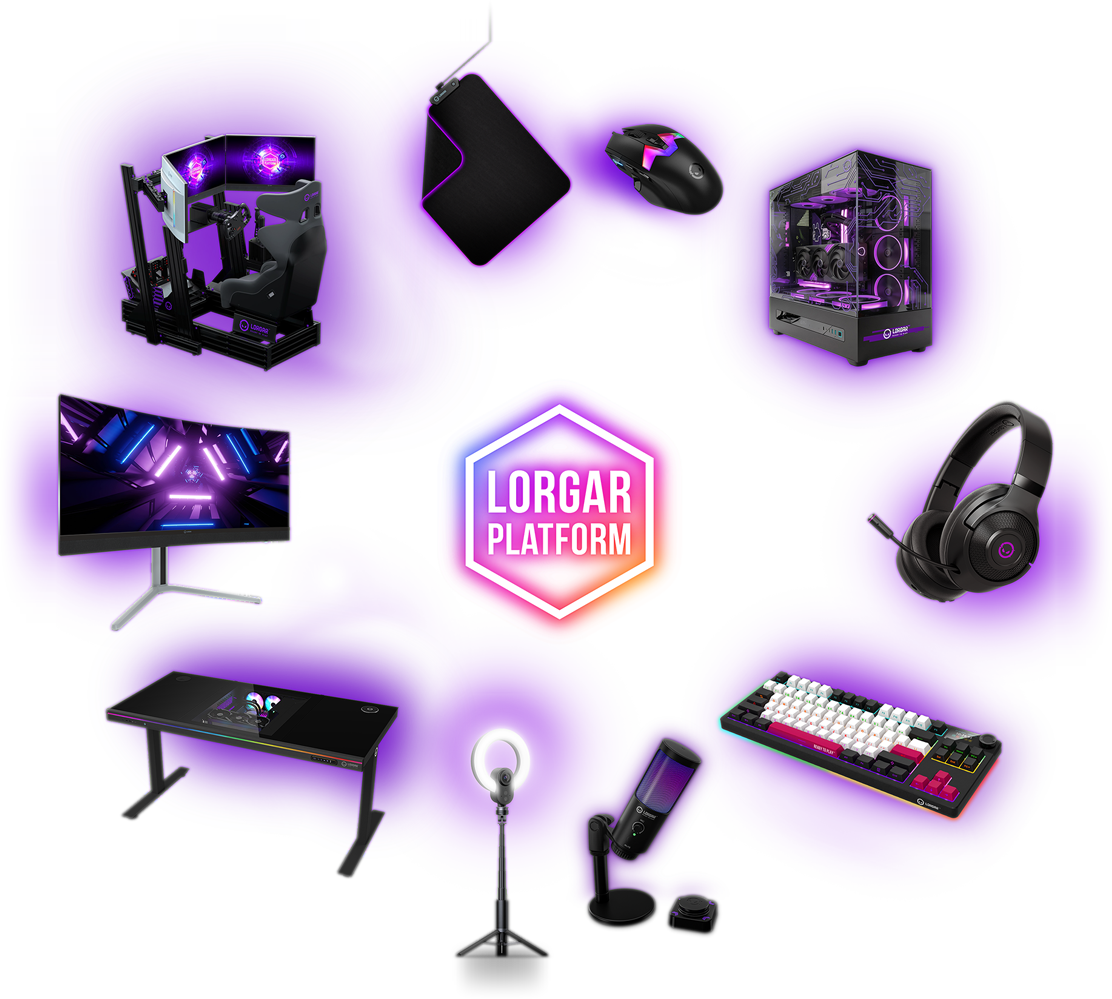
Wszystkie Twoje bronie
w jednym miejscu
Podświetlenie, makra, profile i statystyki — dla każdego urządzenia LORGAR, z jednego panelu.
Nie musisz bawić się w sterowniki i ustawienia: wystarczy podłączyć urządzenie i od razu zaczynać grać.
Przypisz funkcję lub akcję do dowolnego przycisku myszy — na przykład „przeładuj" do kliknięcia kółkiem. Gra odbierze to tak, jakbyś nacisnął klawisz na klawiaturze.
Ustaw sekwencje wielu akcji, naciśnięć klawiszy i opóźnień. Jednym kliknięciem przełącz się na drugą broń, strzel i wróć do głównej.
Aplikacja rozpoznaje uruchomiony tytuł i sama podnosi przypisany do niego profil. Konfigurujesz raz, potem już tylko grasz.
Czułość myszy, głośność i balans mikrofonu, jasność podświetlenia — każde urządzenie ma własny panel zamiast osobnej aplikacji.
Zapisz swoje ustawienia i podziel się nimi z plemieniem LORGAR — albo podejrzyj konfiguracje, które innym działają najlepiej.
Dostosuj podświetlenie, wybierz ulubiony profil kolorów i zsynchronizuj oświetlenie na wszystkich urządzeniach naraz.
Sprawdź, jak Ci idzie. Otrzymaj spersonalizowane analizy i porównuj swoje wyniki z gry na grę.
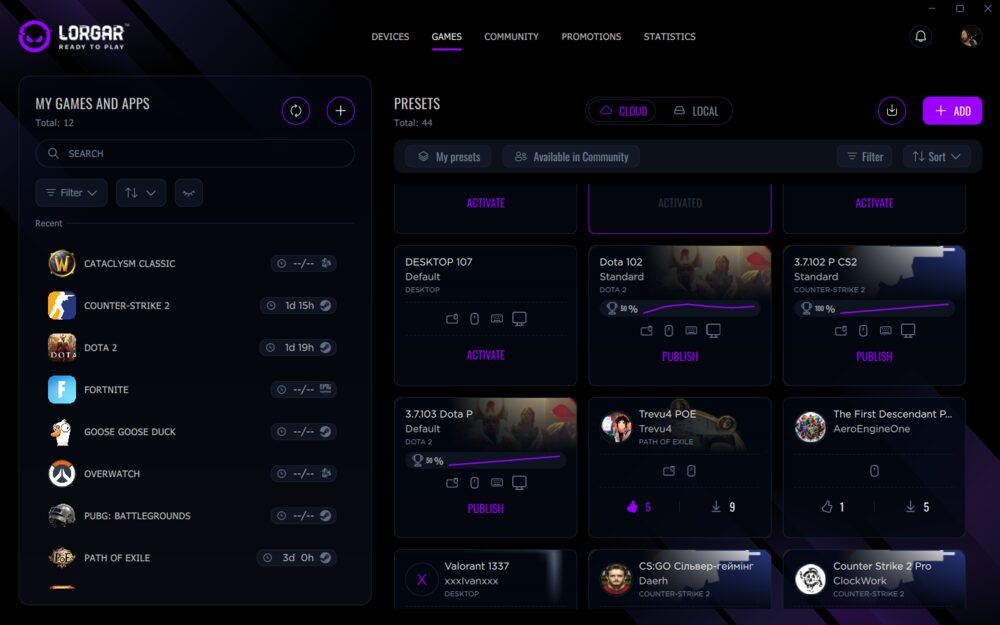

Tak to wygląda
od środka
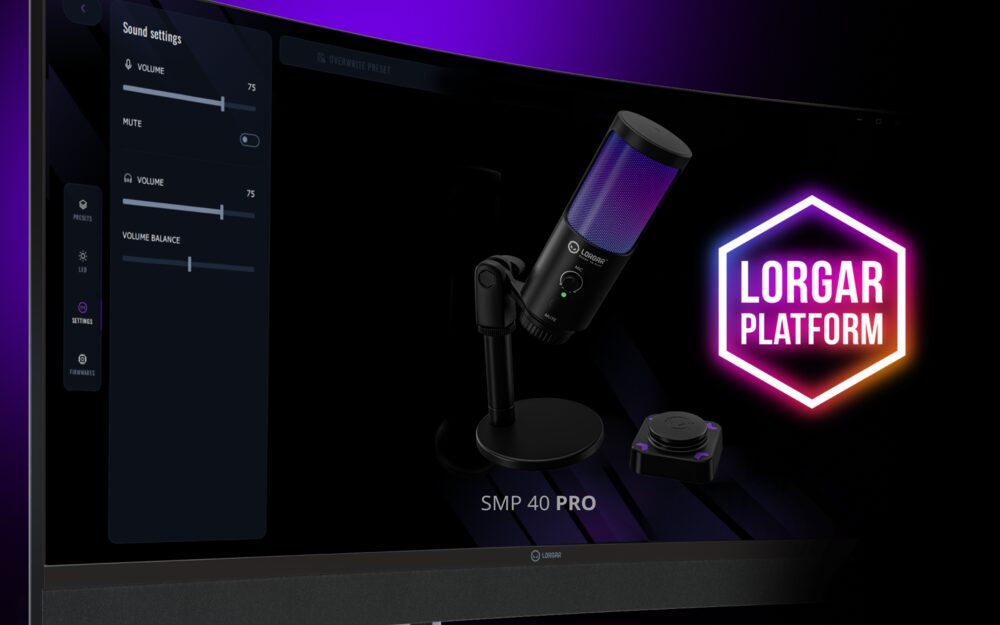
Dźwięk pod kontrolą
Panel mikrofonu SMP40 Pro: głośność wejścia i odsłuchu, wyciszenie, balans. Wszystko w aplikacji, bez grzebania w ustawieniach Windows.
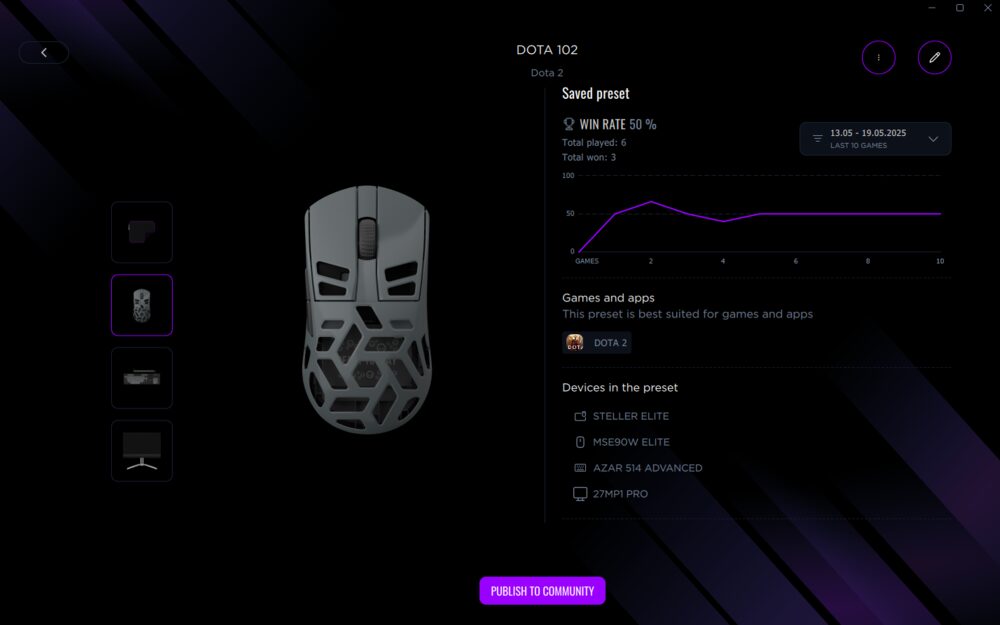
Preset pod grę
Preset przypisany do Dota 2: skuteczność z ostatnich meczów i lista urządzeń, których dotyczy. Jednym kliknięciem publikujesz go społeczności.
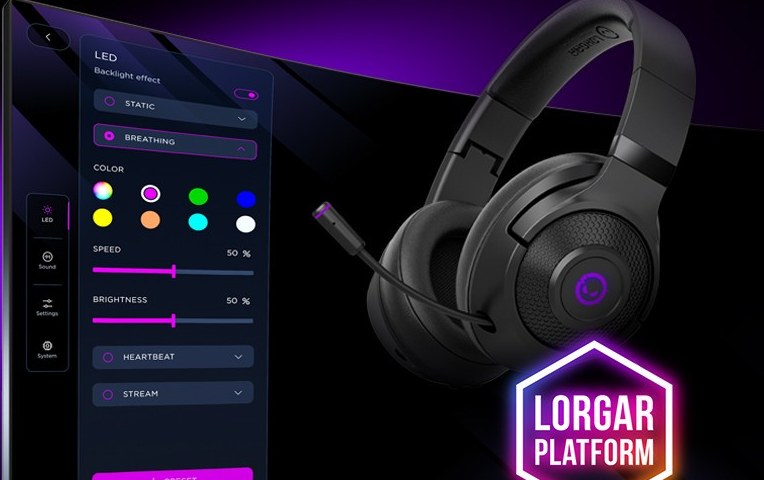
Jeden schemat kolorów
Statyczny, oddychający, pulsujący — wybierasz efekt, prędkość i jasność, a aplikacja rozsyła je na wszystkie podłączone urządzenia.
Urządzenia, które
rozpozna od razu
Lista rośnie z każdą premierą. Jeśli Twojego modelu jeszcze tu nie ma, sprawdź aktualizacje w aplikacji.
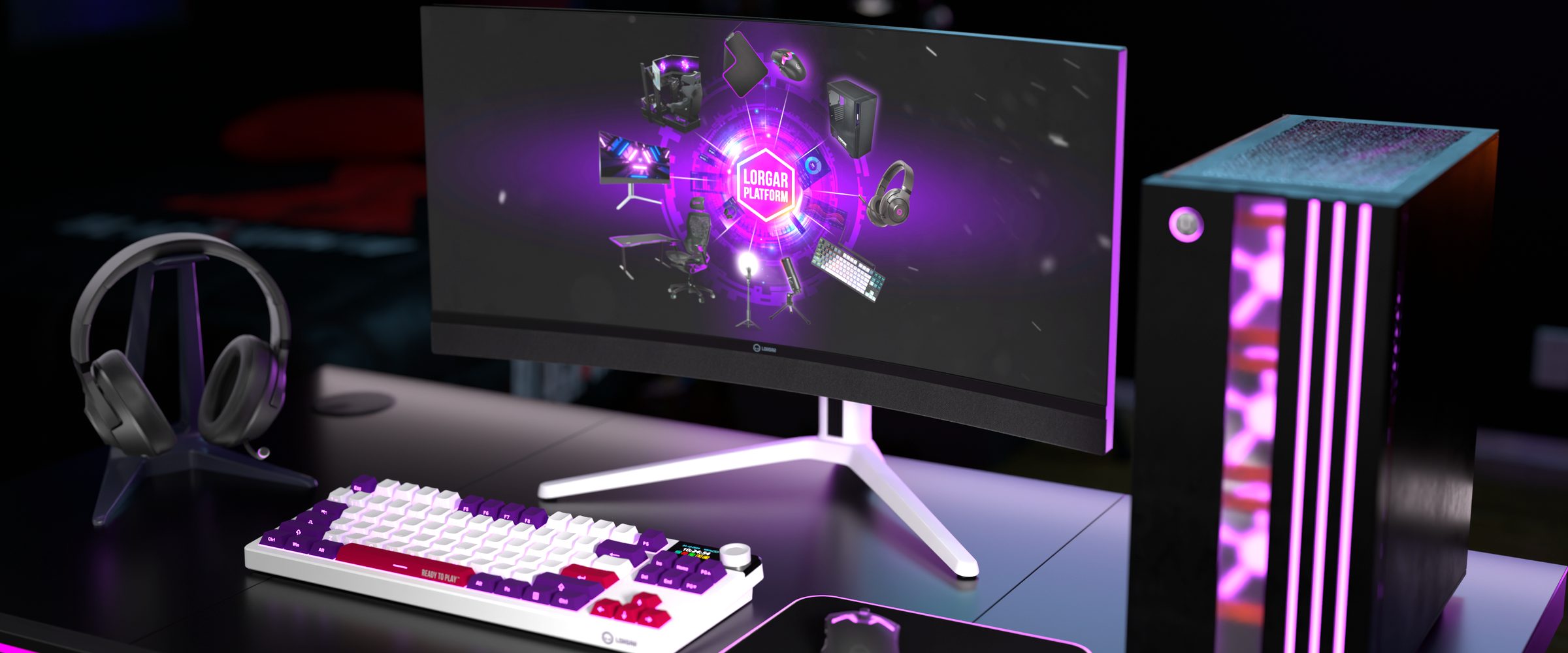
Całe stanowisko
z jednego okna
Mysz, klawiatura, słuchawki, monitor, mikrofon i biurko. Jedno miejsce zamiast sześciu osobnych paneli i tylu samo skrótów na pulpicie.

Osobiste statystyki
i analizy
Zobacz, jak faktycznie grasz — nie jak Ci się wydaje. Cztery rzeczy, które PLATFORM mierzy w tle, żebyś mógł porównywać swoje wyniki z gry na grę.
- ▸Czas aktywności i współczynniki
- ▸Ruchy myszy
- ▸Liczba kliknięć
- ▸Aktywność w aplikacjach i grach
Personalizacja na
wyższym poziomie
Po zalogowaniu w aplikacji LORGAR PLATFORM Twoje ustawienia, statystyki i wsparcie techniczne idą razem z Tobą — niezależnie od tego, przy którym stanowisku siadasz.
Zapis i udostępnianie konfiguracji
Twoje profile w chmurze konta — gotowe do przeniesienia i pokazania innym.
Dostosowane oferty
Promocje dobrane do sprzętu, którego faktycznie używasz.
Indywidualne analizy
Statystyki liczone dla Twojego konta, nie uśrednione dla wszystkich.
Osobiste wsparcie techniczne
Zgłoszenie powiązane z Twoimi urządzeniami — bez tłumaczenia od zera.
Funkcje konta działają wewnątrz aplikacji LORGAR PLATFORM na komputerze.

Odkryj swój pełny
potencjał gamingowy
Dostosuj każdy aspekt swojego sprzętu. Zdobądź narzędzia, żeby dominować i grać jak profesjonalista.
Windows 10 / 11 · wersja 3.10.72 · bez rejestracji, pobieranie startuje od razu